
Solutions
Use Cases
Ecosystem
Resources
Company
Log In
☰
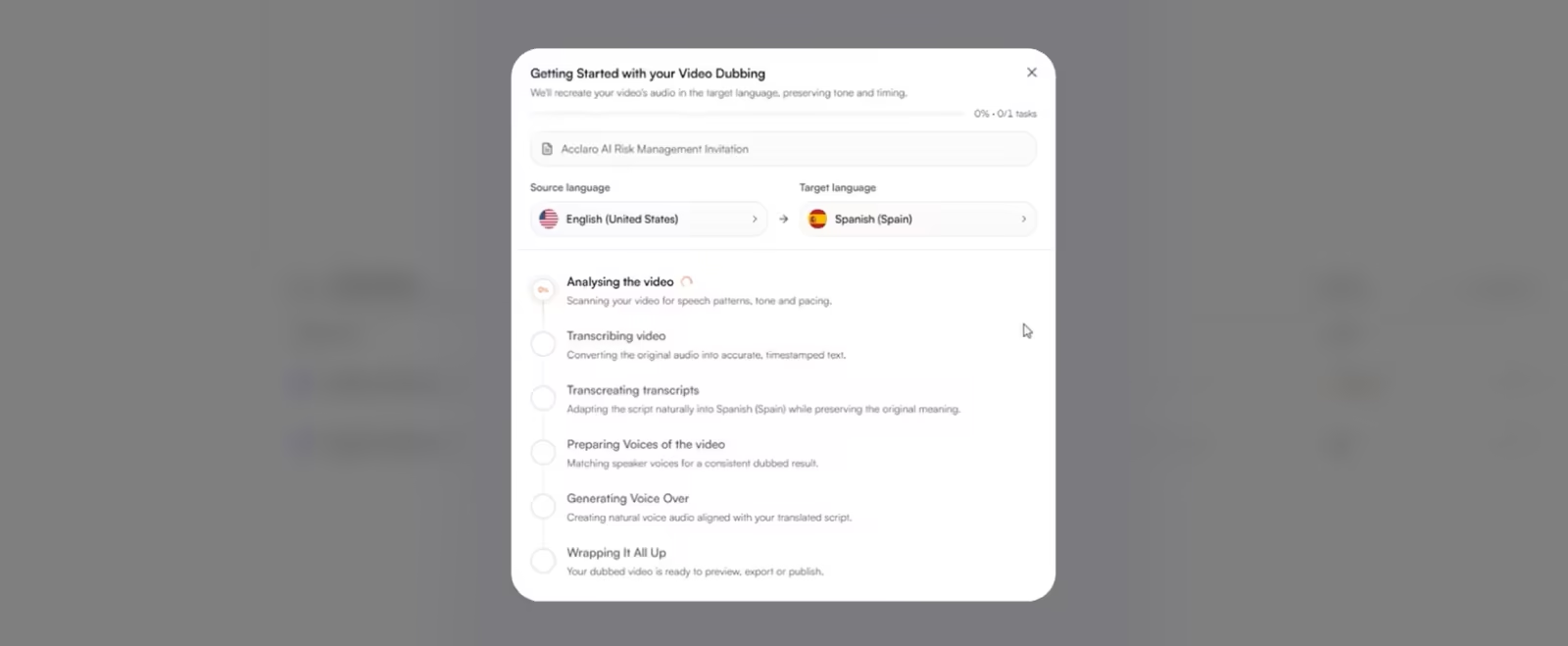
Reaching global audiences means creating video content that speaks their language. But adapting video for multiple markets can involve a complex mix of translation, voice production, editing and quality checks.
Watch how Acclaro's Multimedia Orchestration solution brings these processes together in one coordinated workflow, helping you adapt video content for different languages and markets while maintaining control over the final experience.
The demonstration takes you through the Multimedia Orchestration workflow, showing how you can:
As businesses produce more video content for international audiences, the challenge of localizing that content grows too. Managing separate processes for translation, voice production and video editing can add complexity, slow down delivery and make consistency harder to maintain.
Multimedia Orchestration gives your team a more connected way to manage video localization. By bringing the key activities together, it simplifies production and allows you to manage content across languages and deliver video experiences that connect with audiences around the world.
Get in touch and let's talk about how Multimedia Orchestration can help you scale your global video content.